

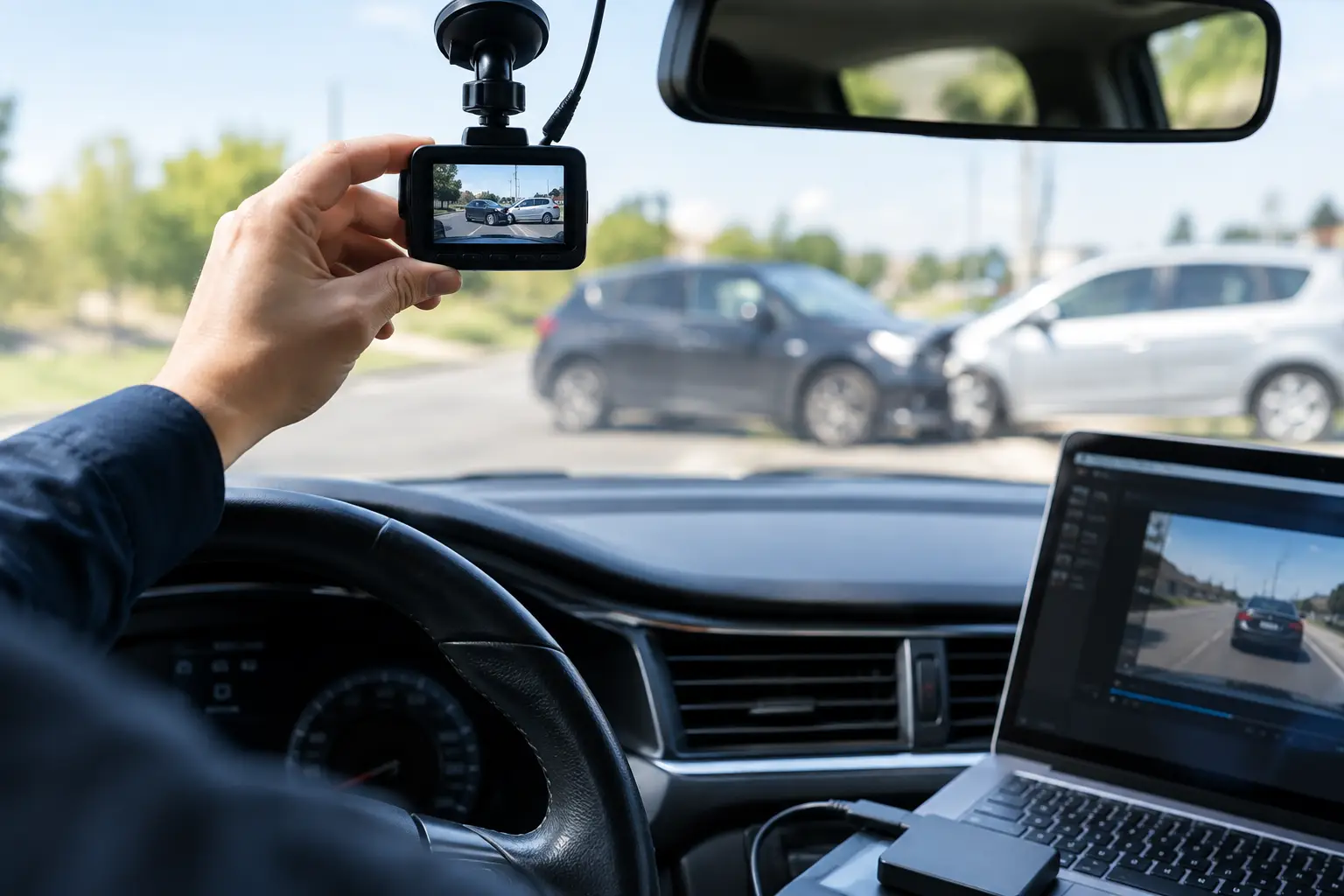
How to Preserve Dashcam Footage After a Crash
A dashcam recording can disappear long before an insurance company finishes reviewing a collision. Many devices automatically record over older clips once the memory card fills up. If the footage captured the impact, the traffic signal, another driver’s actions, or what happened immediately afterward, knowing how to preserve dashcam footage may protect evidence that could matter in your injury claim.
Your health and safety come first. Once you are safe and able to do so, take steps to secure the recording before it is overwritten, altered, or lost during a device reset. A clear video can be powerful evidence, but only when it is handled carefully and supported by the rest of the facts.
Preserve Dashcam Footage Before It Records Over
The first priority is stopping the dashcam from continuing to record. Depending on the device, that may mean turning off the vehicle, powering down the camera, removing the memory card, or using the device’s emergency-save feature. Many dashcams have a lock button or impact sensor that marks a clip as protected, but do not assume that label makes the file permanent. Some systems still overwrite protected files when storage is full.
If you can safely do it, save the relevant clip to a second location as soon as possible. Keep the original memory card or device unchanged after making a copy. The original file may contain data that helps establish when and where the recording occurred, along with other technical details that can be useful if the footage is questioned later.
Do not continue driving for days with the same card in the camera and assume the clip will remain available. Loop recording is designed to erase the oldest files. A recording from a serious wreck may be gone after a few ordinary trips around town.
Make More Than One Copy Without Changing the File
A preserved recording is stronger when there is a clear original and secure backup copies. Transfer the footage in its native format if possible. Avoid trimming the file, adding captions, changing its speed, applying filters, or recording the clip from another screen. Even well-intended edits can invite arguments that the video does not show the complete event.
Keep one untouched original in a safe place. Save at least two additional copies on separate devices or secure storage locations. Name the copied files in a way that helps you find them later, such as the date, approximate time, and location of the collision. Keep the naming simple and accurate.
It is also wise to preserve footage from before and after the impact. The seconds leading up to a crash may show lane position, traffic flow, braking, weather, or a driver’s conduct. The minutes afterward may capture vehicle locations, statements made at the scene, or road conditions. Do not focus only on the moment of impact.
Write Down What the Video Shows
Memories fade quickly after a traumatic collision. While the details are fresh, write a short account of what happened and note what each dashcam clip appears to show. Include the date, time, roadway, direction of travel, weather, and the sequence of events as you remember them.
If the camera’s date or time stamp is wrong, do not try to fix the recording. Instead, make a separate note explaining that the camera clock was inaccurate and stating the correct date and approximate time. A mistaken clock setting does not automatically make footage unusable, but transparency matters.
Also record where the camera was mounted, whether it faced forward or backward, and whether it recorded audio. These details can help explain the footage in context. If the device captured multiple camera angles, preserve all of them.
Do Not Post the Recording Online
After a collision, it can be tempting to share a dramatic dashcam clip with friends or post it on social media. That decision can create avoidable problems. A short excerpt may be taken out of context, shared beyond your control, or used by an insurer to challenge your account of what occurred.
Do not send clips to the other driver or their insurer simply because they ask. Their request may sound routine, but you should understand what is being requested and why before turning over evidence. There may be footage that supports your account, footage that needs context, or technical issues that require careful handling.
Keep conversations about the collision limited. Let the video speak for itself while you protect your rights. An experienced personal injury attorney can review the recording alongside photographs, witness information, vehicle data, medical documentation, and other evidence before communicating with insurance representatives.
Check for Other Video Before It Is Gone
Your dashcam may not be the only recording of the crash. Nearby businesses, homes, traffic cameras, transit vehicles, and other drivers may have captured the collision. Those recordings can be erased quickly under routine retention practices, so timing matters.
Make note of nearby cameras and potential witnesses while you are at the scene, if you are physically able. Focus on the business name, intersection, building, or vehicle that may have a camera. If law enforcement responded, tell the reporting officer that dashcam footage exists and that other video may be available in the area.
Do not assume a traffic camera will automatically preserve footage or that someone else will obtain it for you. Prompt action is often necessary. A lawyer can take steps to seek and protect relevant evidence while you focus on your recovery.
Understand What Dashcam Footage Can and Cannot Prove
Dashcam footage can be compelling, but it rarely tells the entire story by itself. A camera angle may not show every lane, blind spot, signal, or vehicle movement. Wide-angle lenses can make distances appear different from reality. Audio may be unclear, and a speed display may not always be calibrated correctly.
That does not make the recording unhelpful. It means the footage should be evaluated with the complete evidence. In a Texas injury case, the key questions can include who had the right of way, whether a driver was distracted or speeding, whether conditions required greater caution, and whether the collision caused your injuries.
An insurance company may search for any basis to minimize its financial responsibility. A complete, unaltered recording backed by a clear timeline is far more difficult to dismiss than a clipped video with no explanation of where it came from or what occurred before the impact.
When to Contact an Attorney About Dashcam Evidence
You should consider speaking with an attorney promptly if you were hurt, fault is disputed, the other driver denies what happened, a commercial vehicle was involved, or an insurer is pressing you for a recorded statement or video. The earlier evidence is reviewed, the better the chance of preserving it properly.
Bring the original device or memory card if you have it, along with any copies you made. Do not worry if you are unfamiliar with the technology. The important thing is to avoid deleting, overwriting, or editing the material before it can be assessed.
At Feizy Law Office, injured Texans can get direct guidance on protecting dashcam recordings and other evidence after a serious collision. You do not have to sort through insurer pressure alone while dealing with the consequences of someone else’s negligence.
A protected dashcam file may capture a moment that cannot be recreated later. Secure it carefully, keep it private, and get help early so the evidence has the strongest possible chance to support your path forward.


About Post Author
